
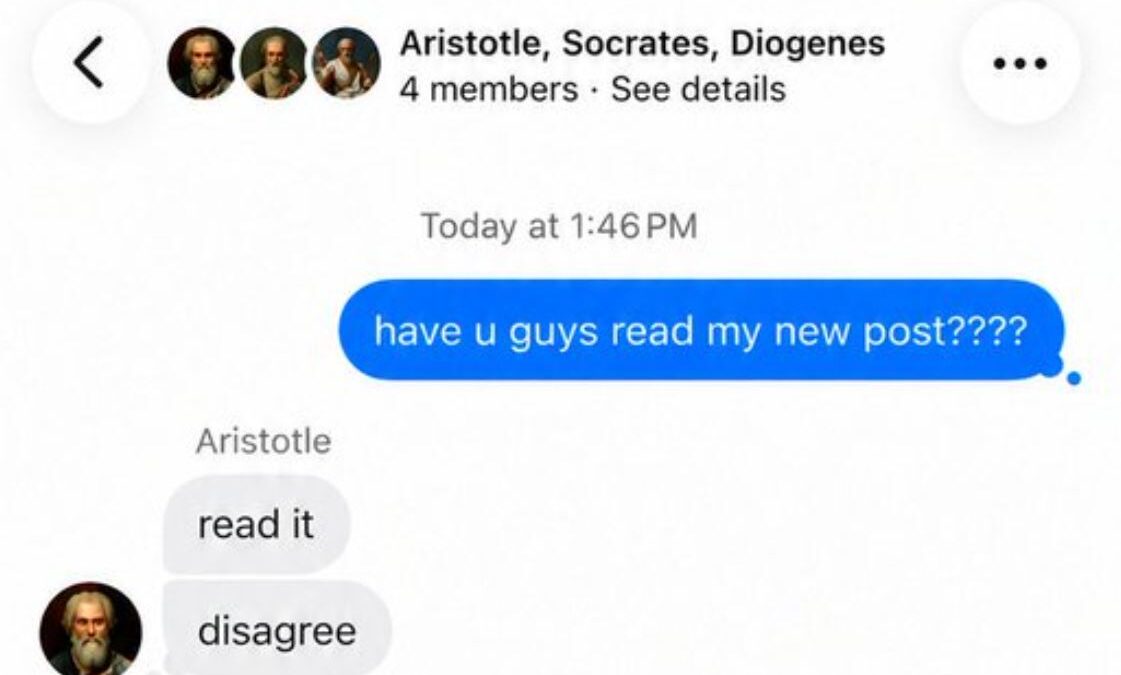
Substack has introduced Group Messaging, which gives users a way to chat privately with up to 50 people on iOS, Android, and the web.
When you click “New Message, there is a Group DM option that you can use to start a private conversation and invite up to 50 participants into the same chat.
If you create the group, you become its admin. You can:
- Rename the group.
- Add or remove members.
- Manage the conversation as long as you remain in the group.
If you decide to leave, Substack automatically assigns another member as the new admin, so the group can continue without interruption.
Anyone in the group can also invite new members or leave the conversation whenever they choose.
You may need to update your Substack app to see the Group DM feature.