
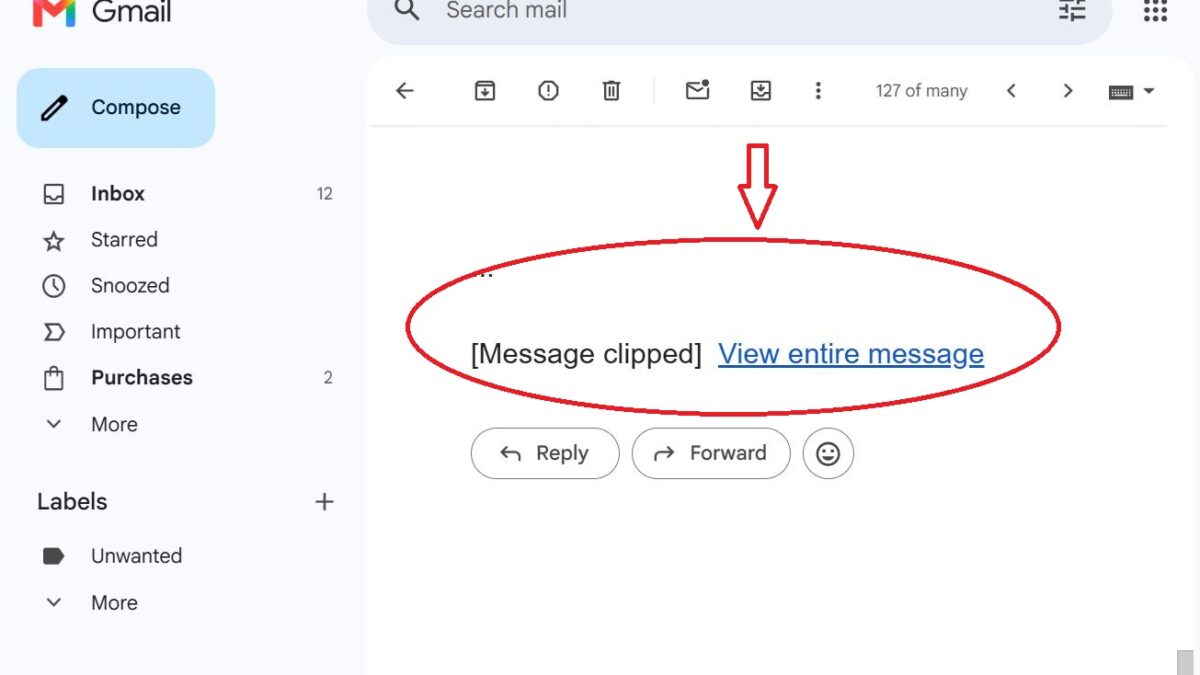
If you send email campaigns and notice Gmail displaying a “View entire message” link, you might assume there is something wrong with your email marketing platform. It usually isn’t.
Gmail has its own limit on how much HTML it displays in an email. When that limit is exceeded, Gmail clips the message and replaces the remaining content with a “View entire message” link. This can happen regardless of whether you use Mailchimp, MailerLite, Constant Contact, Brevo, ActiveCampaign, AWeber, or another email marketing service.
Is it a character limit or an HTML size limit?
To better understand why this happens, we tested several emails that were close to Gmail’s commonly quoted 102 KB limit.
Our testing showed that Gmail does not necessarily clip emails when the HTML file you create reaches 102 KB. Instead, Gmail measures the size of the raw HTML it actually receives before removing unsupported code or making its own changes. This means the HTML you send is not always the same size as the HTML Gmail receives.
Why emails below 102 KB can still be clipped
During our testing, we found that your email marketing platform or email service provider can increase the size of your email before it reaches Gmail.
For example, it may:
- Rewrite links for click tracking.
- Add tracking parameters.
- Encode parts of the message.
- Insert additional HTML required for delivery.
These changes increase the size of the email Gmail receives. As a result, an email that you designed and is below 102 KB can still exceed Gmail’s clipping threshold after it has been processed by your email platform.
For that reason, we recommend keeping your email HTML below 70 KB. This leaves enough room for your email platform to add tracking and delivery code without pushing the final message over Gmail’s limit.
Using Non-ASCII Characters
We also found that certain non-ASCII or incorrectly encoded characters can cause Gmail to clip an email even when its HTML is well below 102 KB.
Examples include smart quotes, unusual Unicode characters, and incorrectly encoded symbols.
For example, during one of our tests, replacing the copyright symbol copyriht symmbiol (©) with the HTML entity © prevented Gmail from clipping the email. If you experience unexpected clipping, you may want to check your email source for special characters that are not properly encoded.
Therefore, based on our testing, the commonly quoted 102 KB limit should be treated as a maximum rather than a target. Keeping your HTML below 70 KB gives you a safer margin and reduces the chance of Gmail clipping your message.