
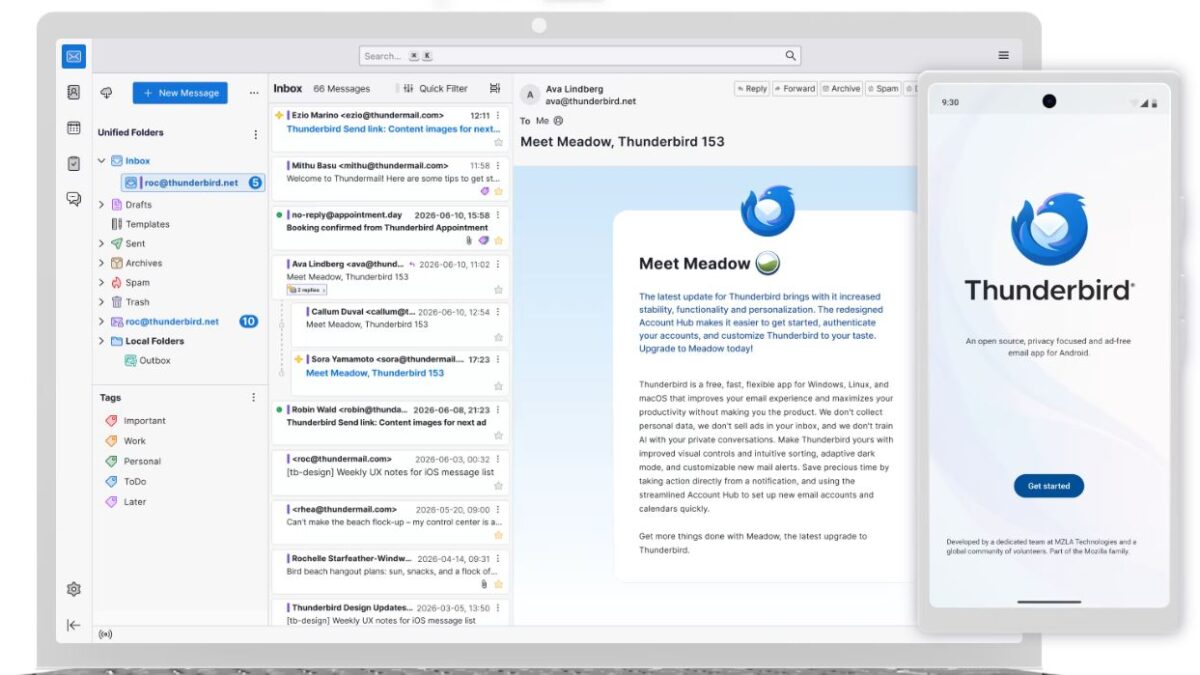
Thunderbird 153 has been released, and it introduces several email, security, and workflow changes/features. The most visible change is that Thunderbird has replaced “Junk” with “Spam” throughout the product, and there is no setting to restore that.
You can now copy messages and news links directly from the header pane, archive mail from notifications, copy folders within mail-server accounts and local folders, and use Favorites as a destination when moving or filing messages. Unified folders also show an account color indicator, while a new “Show Full Path” option can make compact folder views easier to navigate.
Thunderbird 153 adds support for Microsoft Exchange through Exchange Web Services. Yahoo, AT&T, and AOL accounts now use OAuth 2.0 with PKCE, while Gmail OAuth authentication also uses PKCE. OAuth sign-in opens in the default web browser, and Thunderbird now verifies issuer fields in OAuth responses
On the security side, Thunderbird 153 adds support for DNS over HTTPS and expands enterprise policy controls related to security devices.
OpenPGP users will now receive a warning when their configured key is approaching its expiration date. Thunderbird 153 also adds an interface for configuring a preferred keyserver, supports unobtrusive OpenPGP signatures, and allows message-body searches in OpenPGP- and S/MIME-encrypted messages.
The release also addresses several reliability and message-handling problems, including crashes during incoming message processing and local searches, spam notifications appearing before messages were moved to the Spam folder, incorrect received times in some IMAP messages, failed folder operations, and connection problems with POP3 and IMAP. Several issues affecting message composition, forwarding, attachments, and drafts have also been fixed.
There is one migration detail worth checking after upgrading. Thunderbird changed how special IMAP folders, including Inbox, Drafts, Sent, Archives, and Spam, are localized. It now uses localized folder names and, by default, ignores the original names supplied by the server. If you need Thunderbird to retain the original server folder names, you can set mail.useLocalizedFolderNames to false.
Special folders can no longer be renamed or deleted, so duplicated folders may require you to review your account configuration and folder assignments.
Finally, Thunderbird 153 no longer ships 32-bit Linux x86 binaries. Users still running a 32-bit Linux x86 installation therefore cannot move to this release through the normal binary packages.
Source