
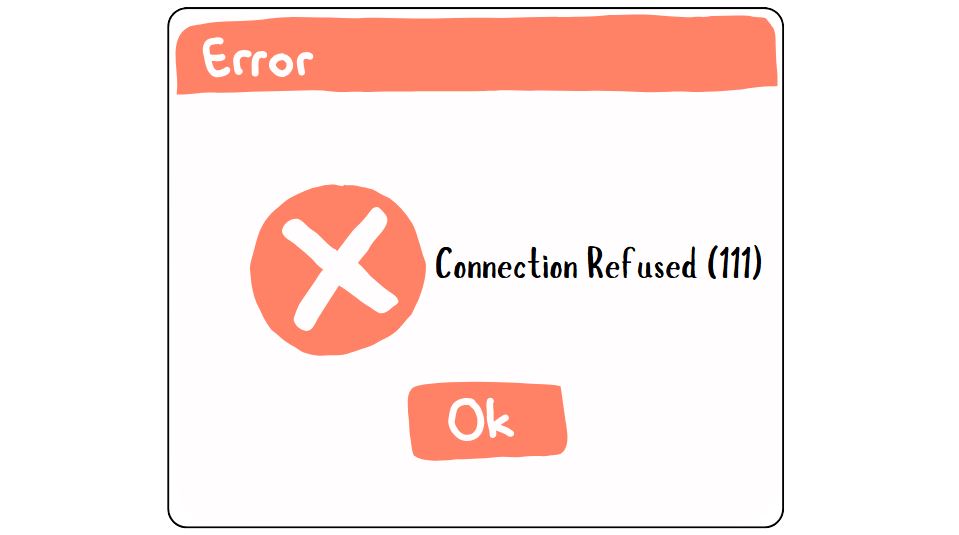
We ran into this issue while trying to send emails through Amazon SES using SMTP. Instead of connecting to the SMTP server, our application returned the following error:
SMTP ERROR: Failed to connect to server: Connection refused (111)
SMTP connect() failed.
After digging around, we found several possible solutions. We tried each one, and Solution 4 resolved the problem for us. Hopefully, one of these fixes works for you too.
Common Causes
This error is usually caused by one of the following:
- Your hosting provider blocks outgoing SMTP connections.
- Your server firewall blocks SMTP ports (25, 465, 587, or 2525).
- WHM/cPanel restricts SMTP connections from PHP applications.
- ConfigServer Security & Firewall (CSF) has SMTP blocking enabled.
- An incorrect SMTP hostname, port, or encryption method is being used.
Solution 1: Disable SMTP Restrictions in WHM
If you are managing your own server with cPanel/WHM, try this first:
- Log in to WHM.
- Open Tweak Settings.
- Go to the Mail section.
- Disable Restrict outgoing SMTP to root, Exim and Mailman.
- Save the changes and test your application again.
If the option is already disabled, move on to the next solution.
Solution 2: Check CSF Firewall
If your server uses ConfigServer Security and Firewall (CSF):
- Open WHM → ConfigServer Security & Firewall.
- Click Firewall Configuration.
- Locate SMTP_BLOCK.
- Disable SMTP blocking or remove the SMTP port you’re using from the blocked ports list.
- Restart CSF and test again.
Solution 3: Verify the SMTP Port
Ensure you are connecting to the correct SMTP port.
Port Encryption
25 SMTP
465 SSL/TLS
587 STARTTLS (Recommended)
2525 Alternative SMTP port
Some hosting providers block ports 25, 465, and 587. If your SMTP provider supports 2525, try using that instead.
Solution 4: Use Email Delivery API (This Worked for Us)
If your hosting provider permanently blocks outgoing SMTP connections, consider using an Email API instead of your host’s SMTP.
Most email delivery providers like Amazon SES, SendGrid, and Mailgun offer email delivery APIs that communicate over HTTPS (port 443).
For us, switching from SMTP to the Amazon SES API solved the issue. Amazon SES charges $0.10 per 1,000 emails sent (excluding any additional data transfer or attachment costs).
Learn more about Amazon SES Pricing or Features and Integrations.