
Microsoft is adding two new Outlook features for Android and iPhone that make it easier to filter your emails by calendar events and insert your email signature from OneDrive. The updates are scheduled to begin rolling out in August 2026.
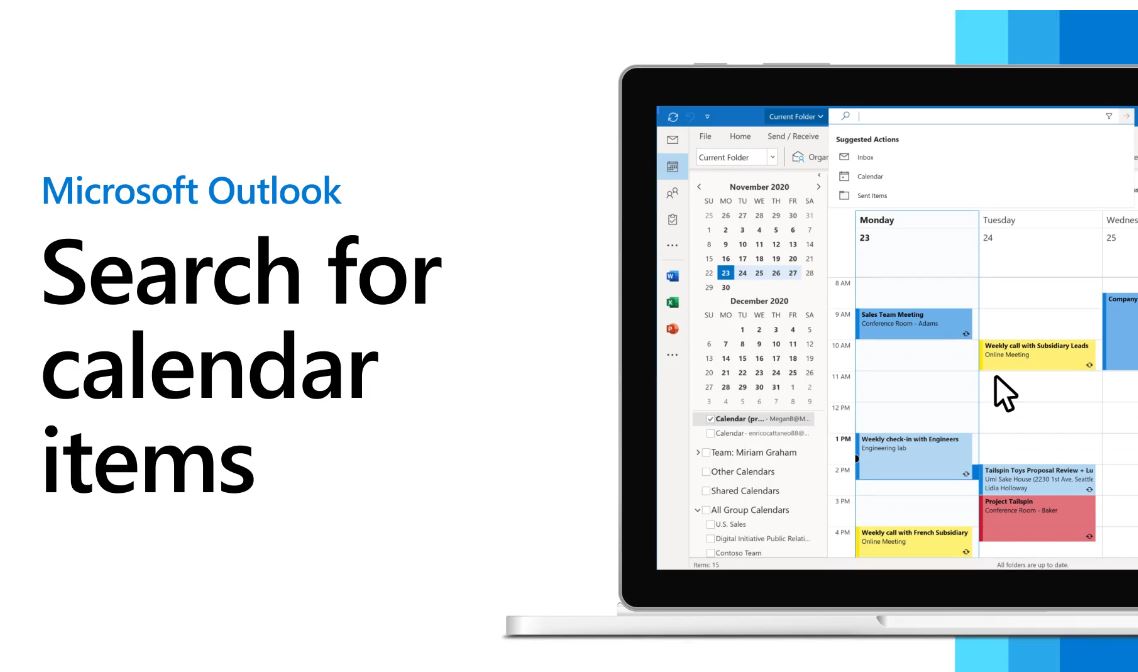
You will now be able to filter your inbox to show only calendar events.
A new Events filter will appear in the message filter menu. When you select it, Outlook displays your calendar invitation emails, which makes it easier to read meeting request messages without having to search your inbox or browse through other email conversations.
You can also now insert an image into your Outlook signature directly from OneDrive. This makes it easier to use company logos, profile images, or other graphics that you already keep in OneDrive without downloading them first.
The new features will become available automatically once Microsoft completes the rollout.