
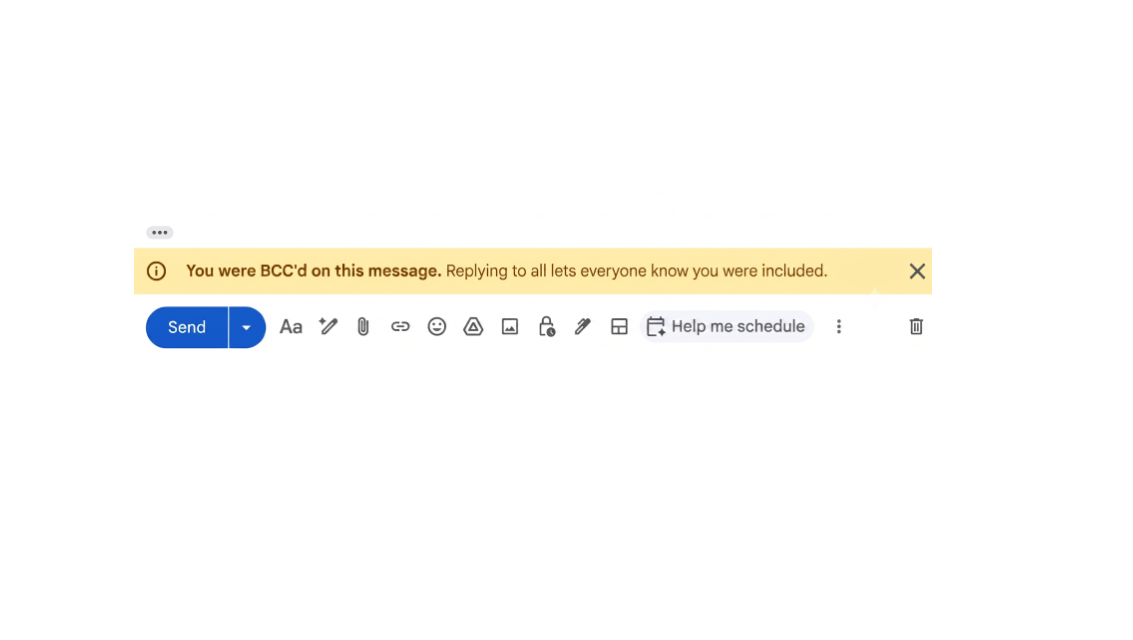
Google has added a new Gmail feature that prevents you from accidentally replying to all BCC (Blind Carbon Copy) recipients.
Gmail now displays a warning if you were originally added as a BCC recipient and try to use Reply All in the same email thread. The warning reminds you that replying to everyone could reveal your presence to other recipients who were not aware you received the message. You can then decide whether to continue or cancel before the email is sent.
While this is a small addition, it joins a list of Gmail’s minor but loved features, such as warning you when you mention an attachment but forget to attach one. In this case, the focus is on helping you to avoid accidentally disclosing private or confidential information.
The feature is available if you use Google Workspace, Google Workspace Individual, or a personal Gmail account. It is enabled by default for all supported accounts.