
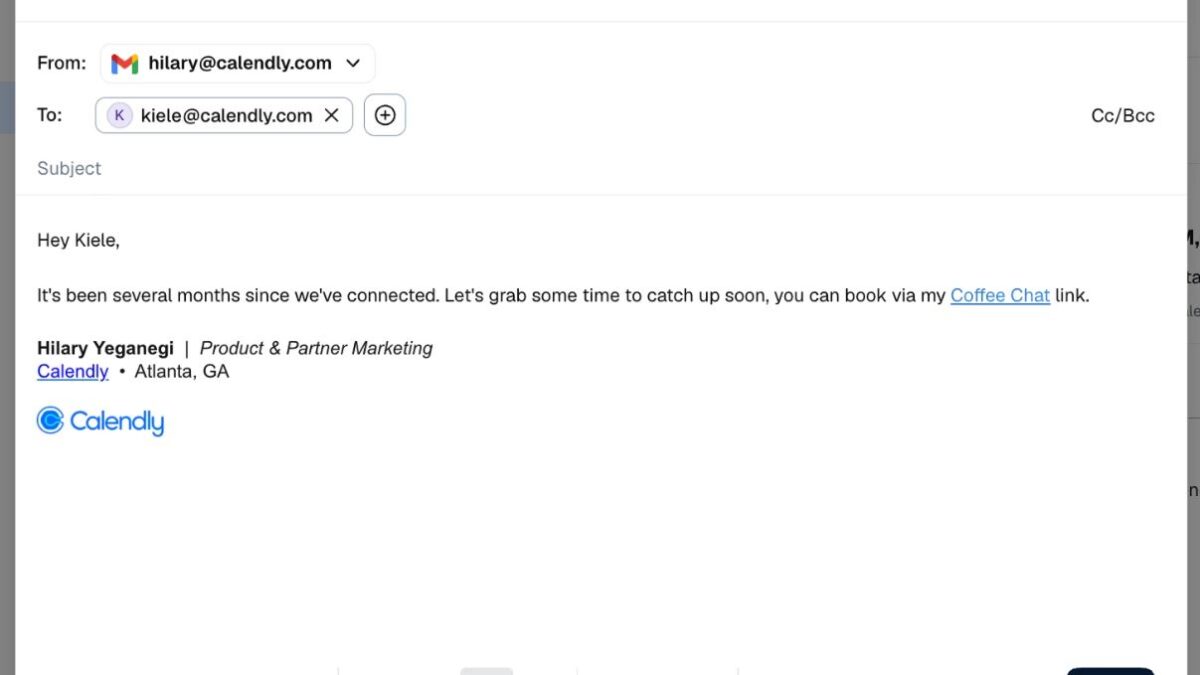
You can now send emails directly from Calendly by connecting your Gmail or Outlook account. The update also adds reusable email templates, making it easier to send the same type of message multiple times.
If you use Gmail, you can also send personalized bulk emails by inserting variables such as a contact’s name into each message. You can include your scheduling link and Gmail signature without adding them manually each time.
Calendly has also introduced conversation syncing for Gmail. This lets you view previous email exchanges from a contact’s profile and reply to existing email threads without opening Gmail.
Lastly, Calendly now supports AI-powered email drafting for Gmail. AI can access your meeting history and email conversations stored in Calendly and suggest follow-up emails or create reusable templates that match the context of your previous interactions.
To use these features, you need to connect your Gmail or Outlook account to Calendly. Gmail users will have access to all the features, including personalized bulk emails, conversation syncing, and AI-powered drafting.